Explore the practical applications, methodology, and significance of Multivariate Analysis of Variance (MANOVA) as elucidated by Prof. Andy Field. Understand the rationale behind MANOVA, optimal usage scenarios, and the theoretical underpinnings. Delve into issues, discussions, and examples illuminating the efficacy of MANOVA in statistical analysis.
Please find below an Image/Link to download the presentation.
The content on the website is provided AS IS for your information and personal use only. It may not be sold, licensed, or shared on other websites without obtaining consent from the author. If you encounter any issues during the download, it is possible that the publisher has removed the file from their server.
You are allowed to download the files provided on this website for personal or commercial use, subject to the condition that they are used lawfully. All files are the property of their respective owners.
The content on the website is provided AS IS for your information and personal use only. It may not be sold, licensed, or shared on other websites without obtaining consent from the author.
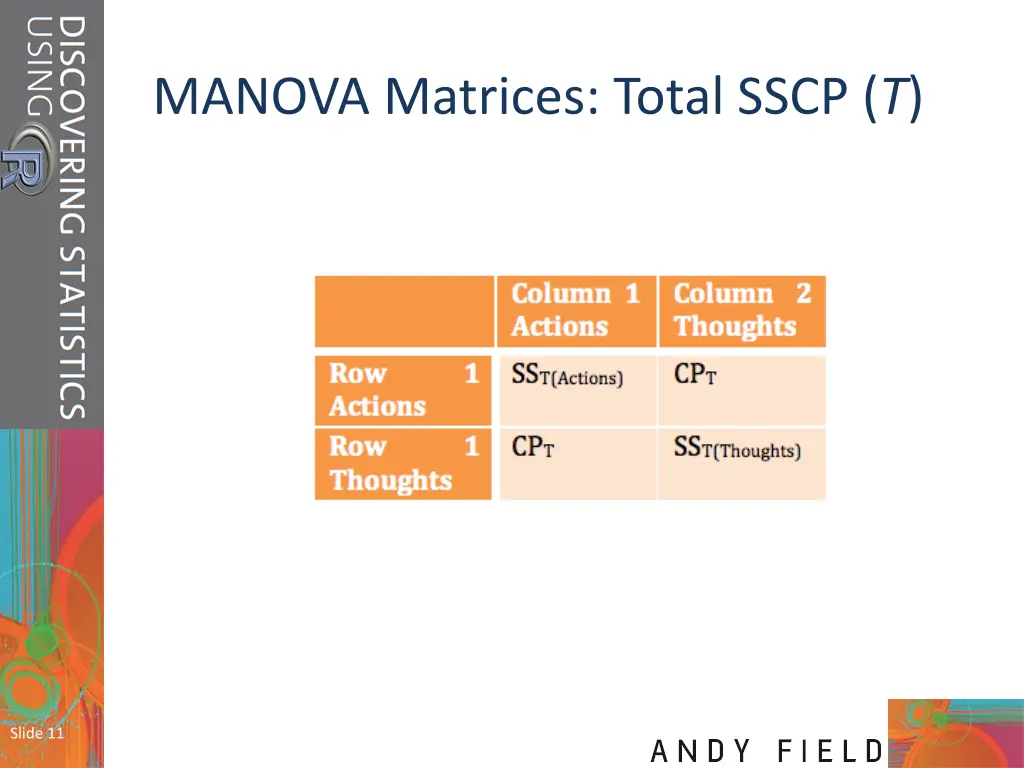
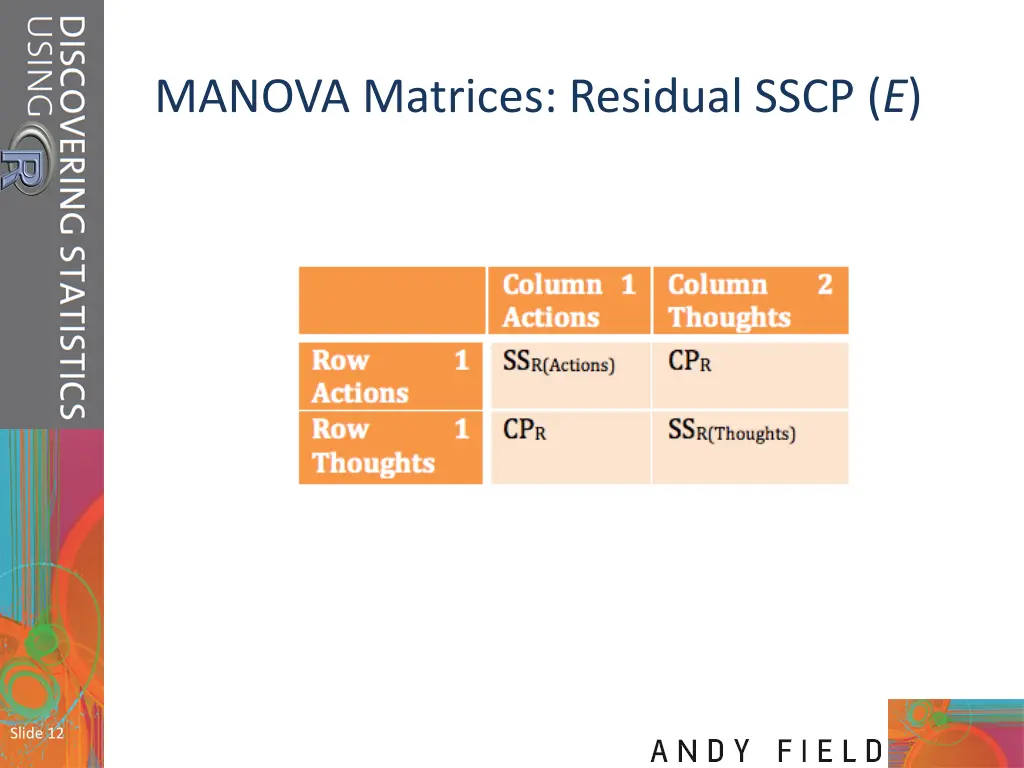
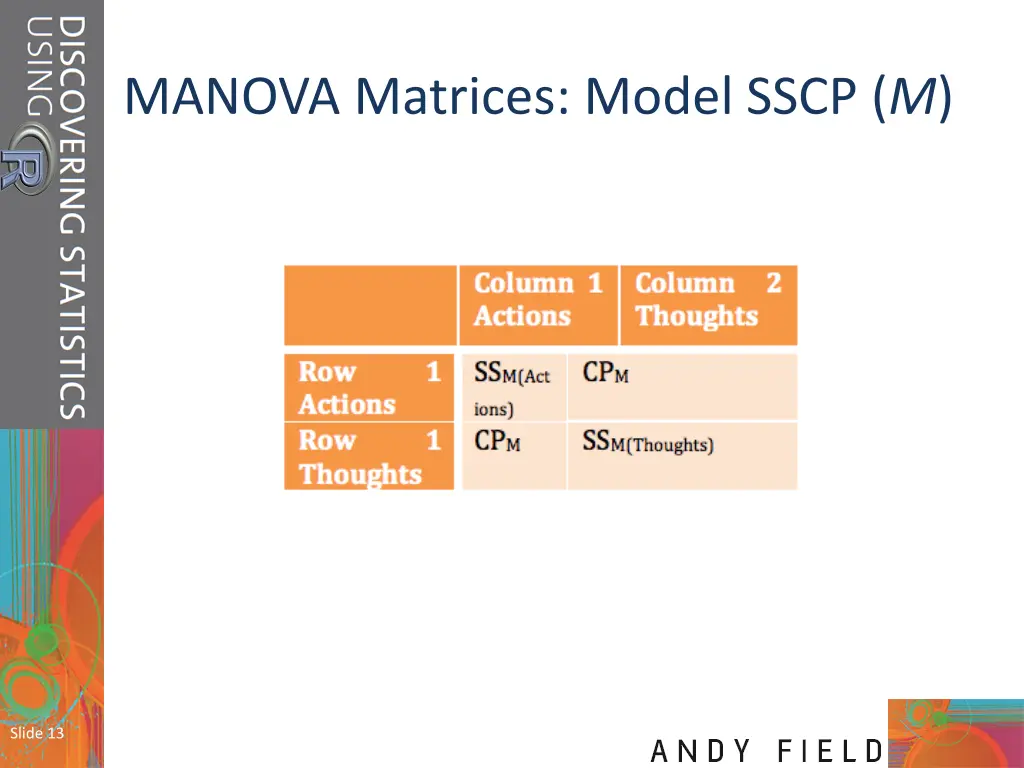
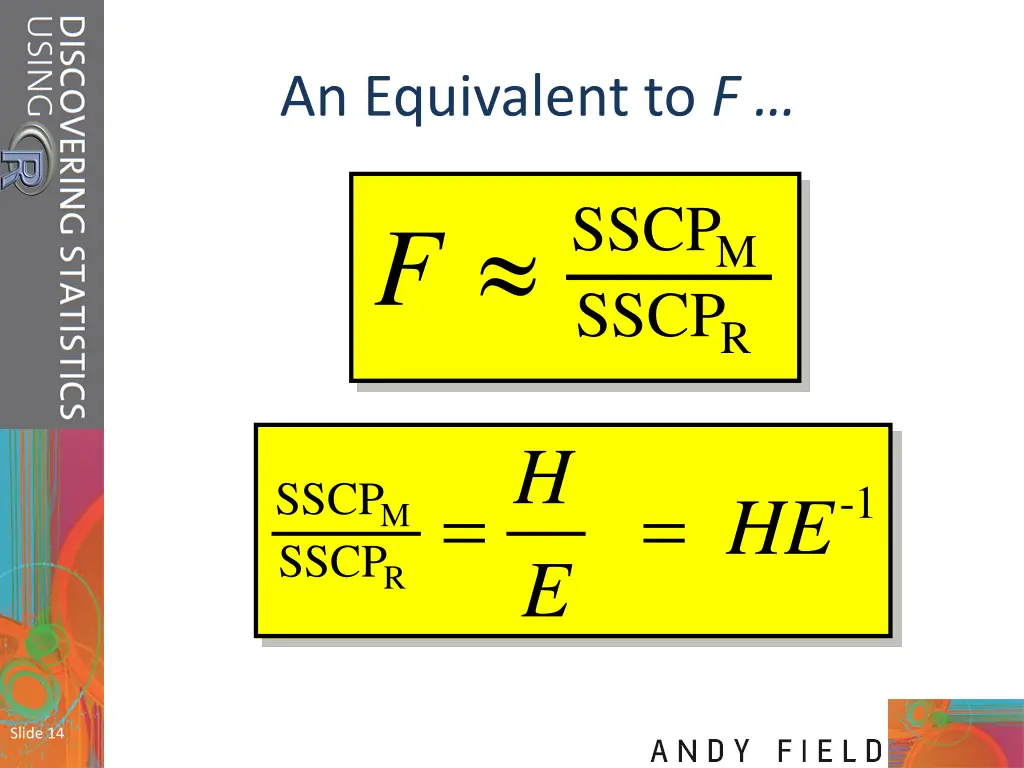
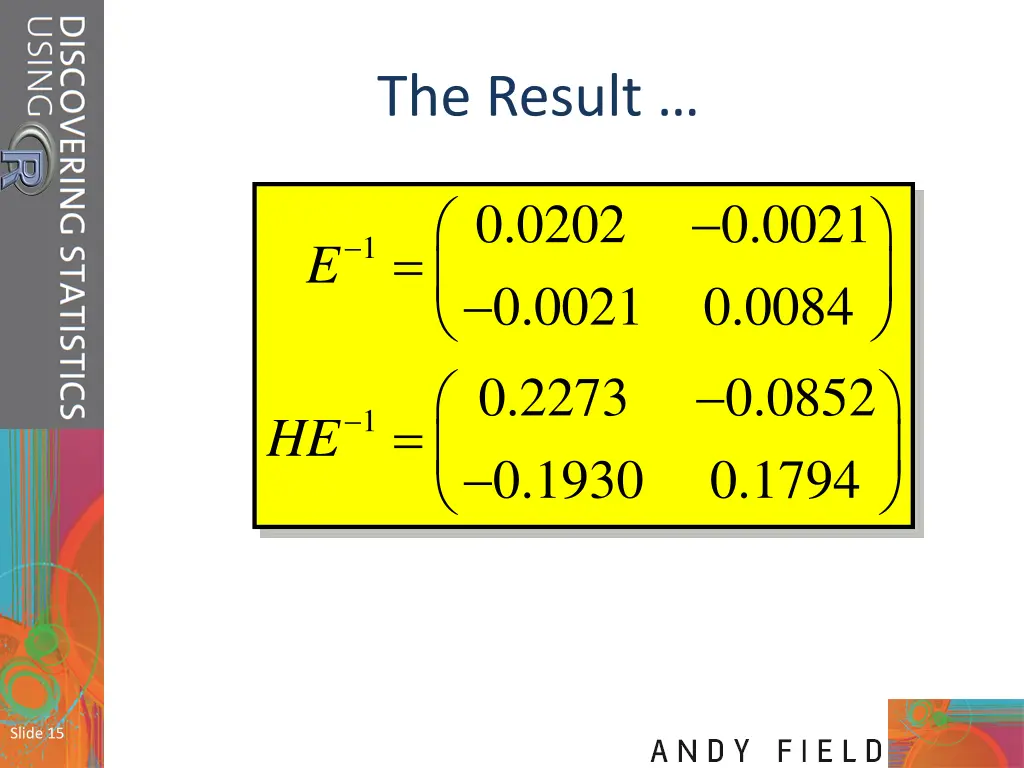
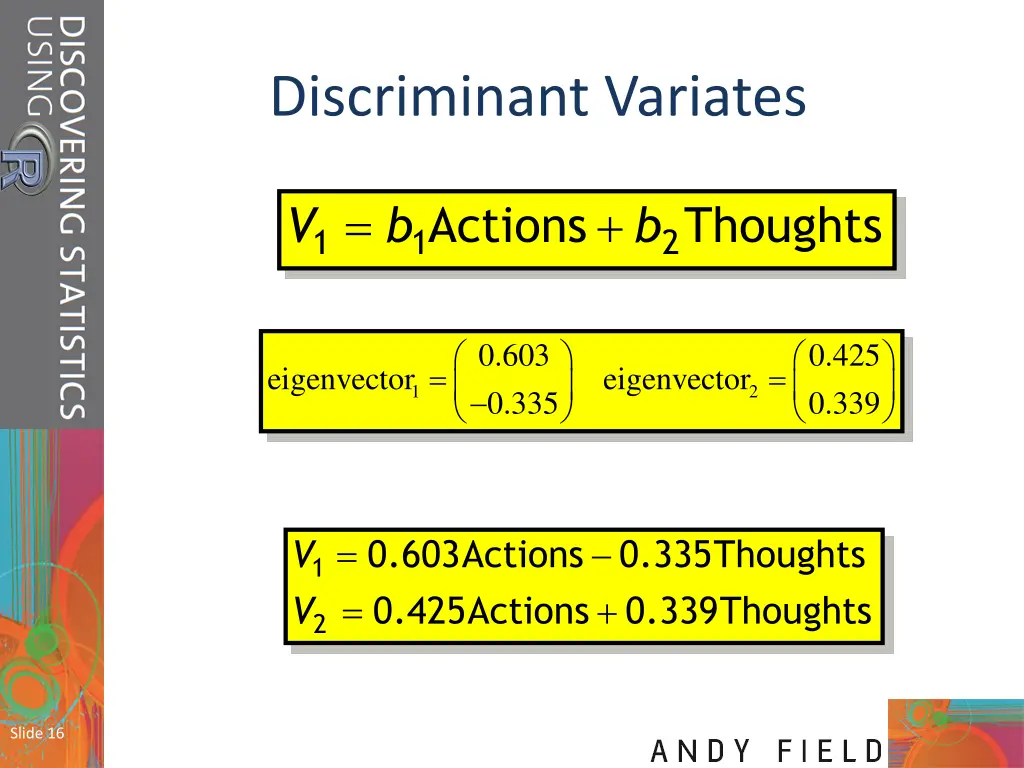
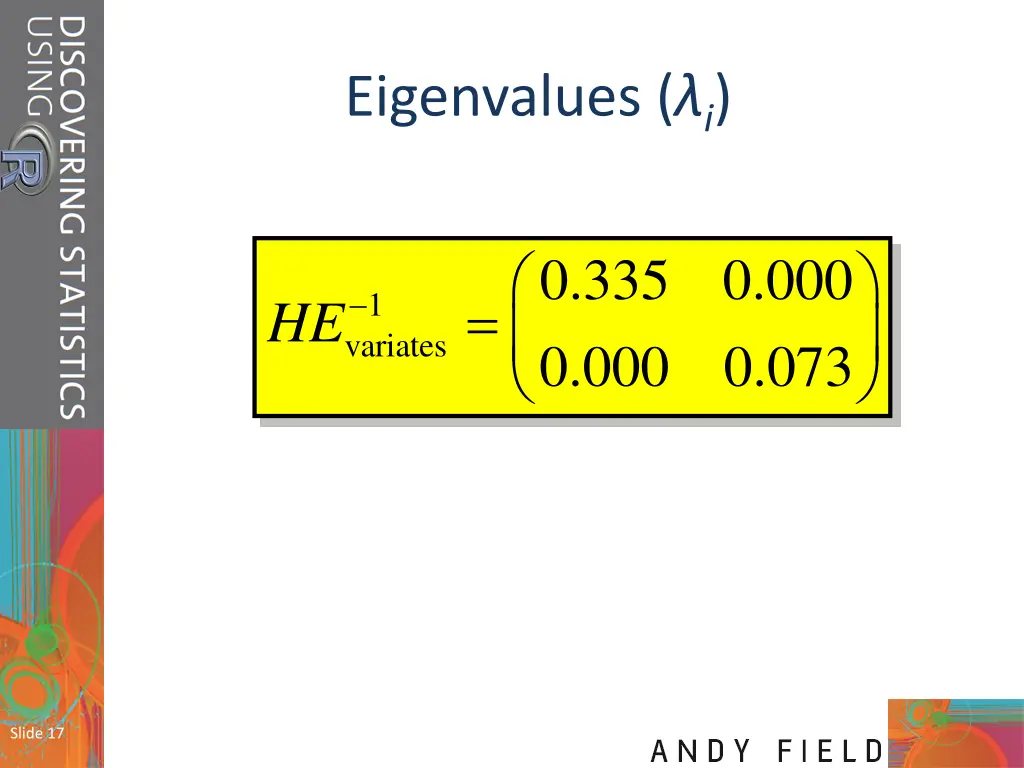
Aims When and why do we Use MANOVA? Issues for MANOVA analysis Theory behind MANOVA: SSCP matrices Discriminant variates MANOVA test statistics Slide 2
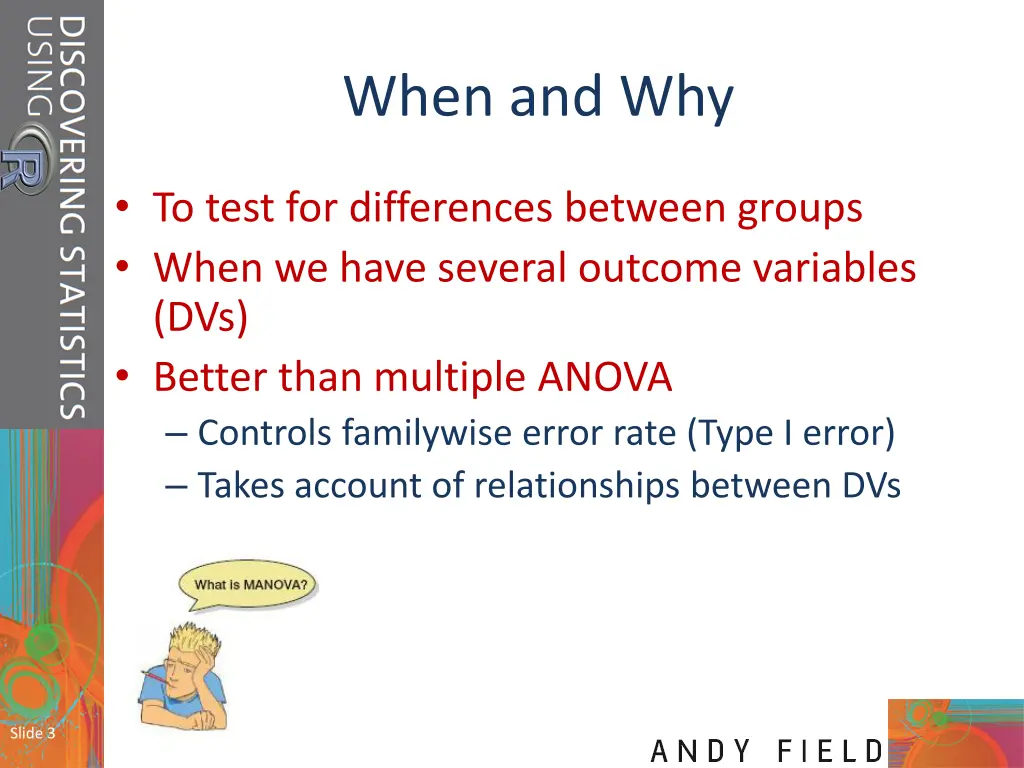
When and Why To test for differences between groups When we have several outcome variables (DVs) Better than multiple ANOVA Controls familywise error rate (Type I error) Takes account of relationships between DVs Slide 3
Issues in MANOVA Selecting dependent variables Test statistics (choice of four) Power Power depends upon correlations between dependent variables Conflicting evidence about test power Slide 4
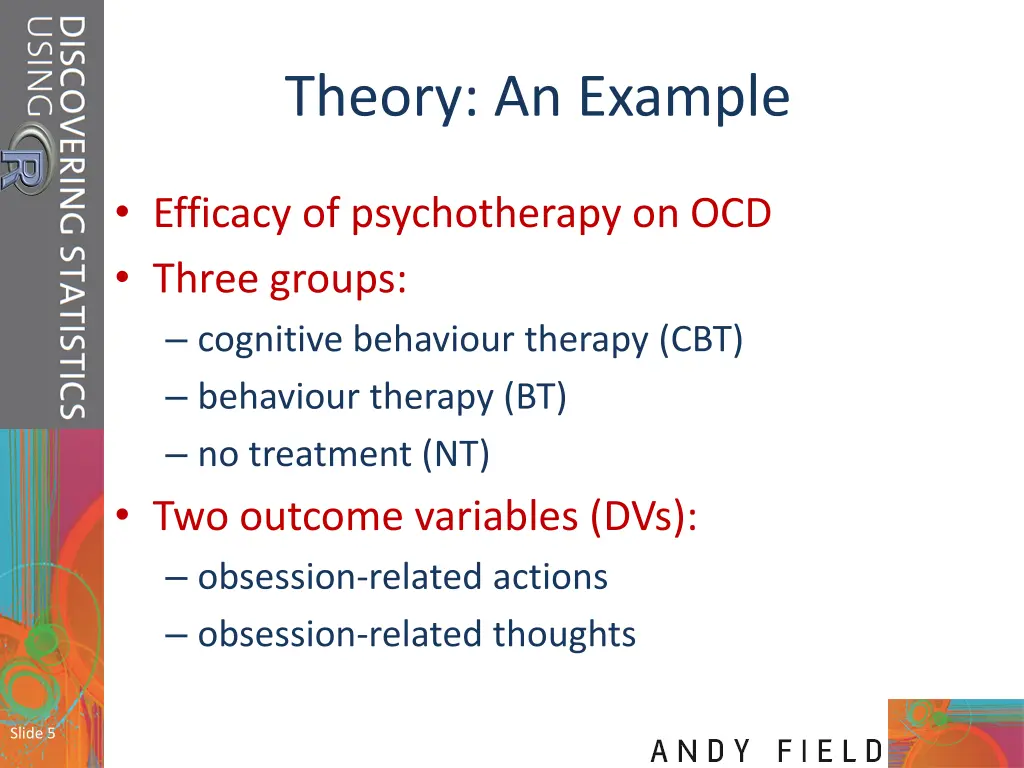
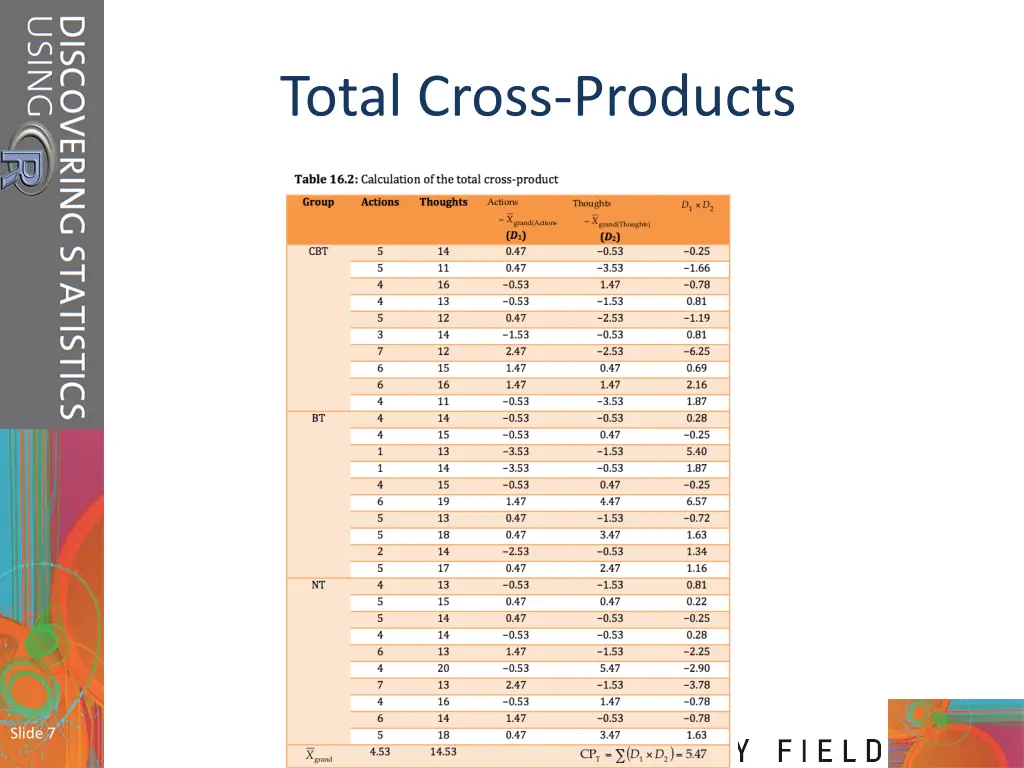
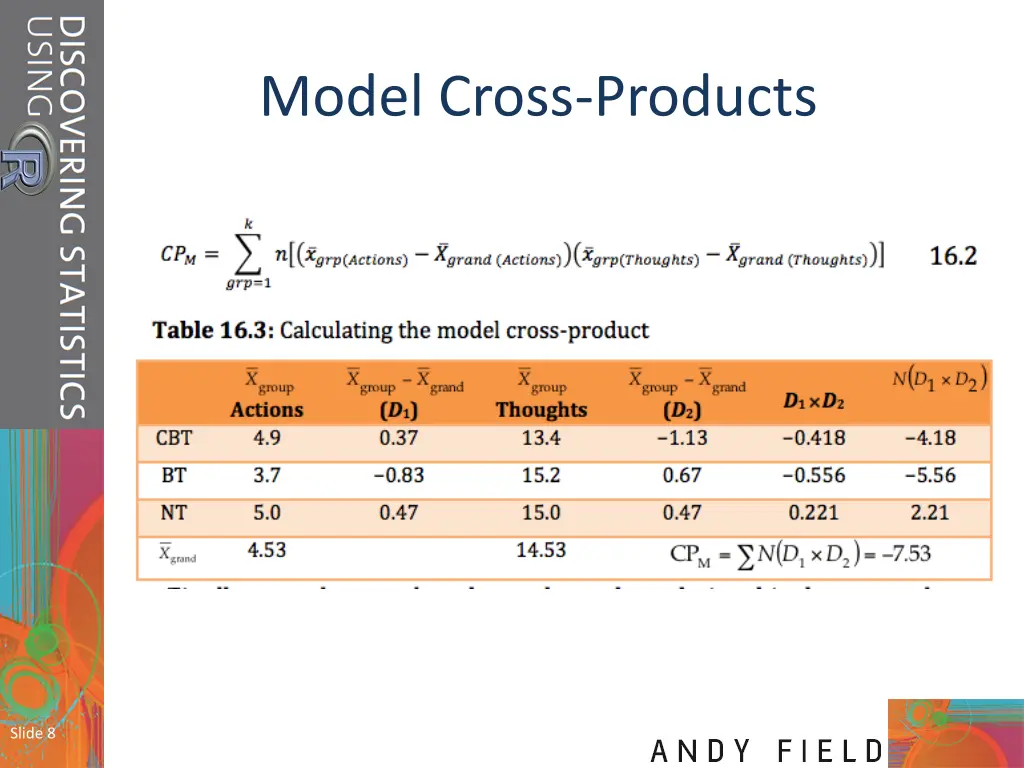
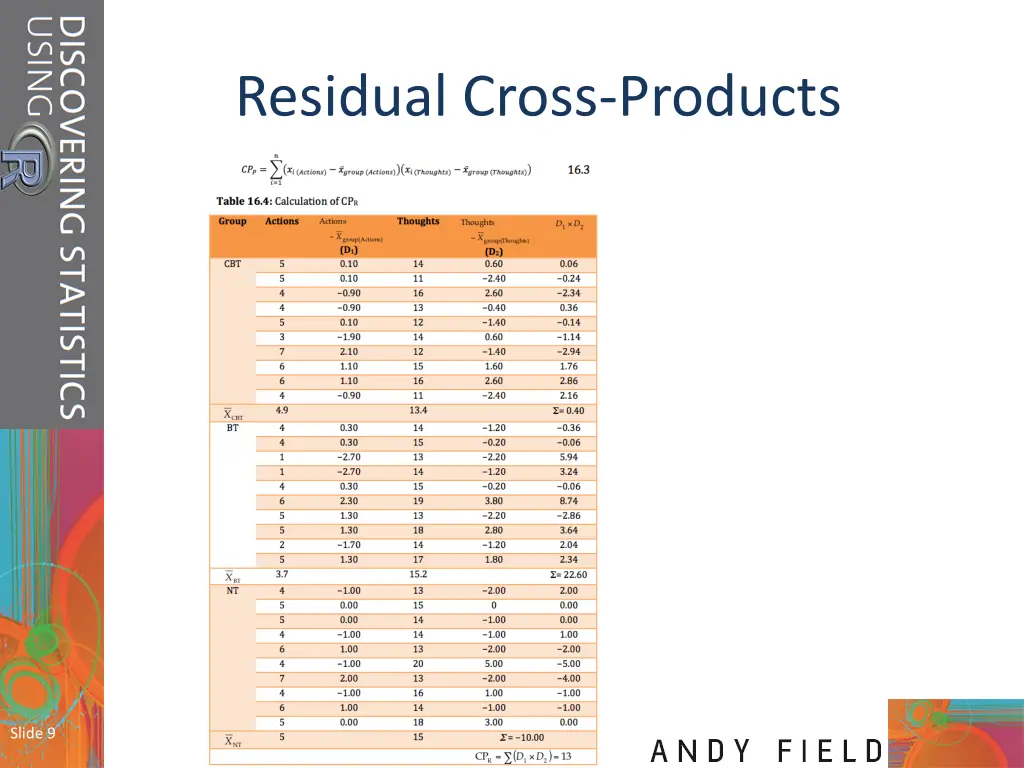
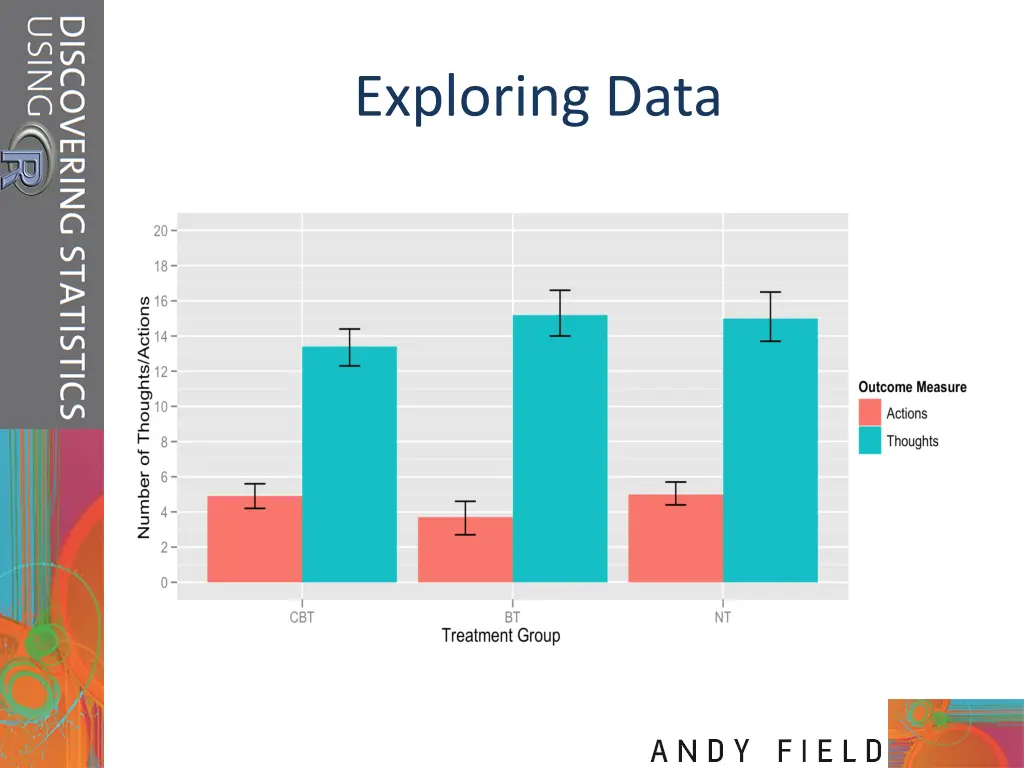
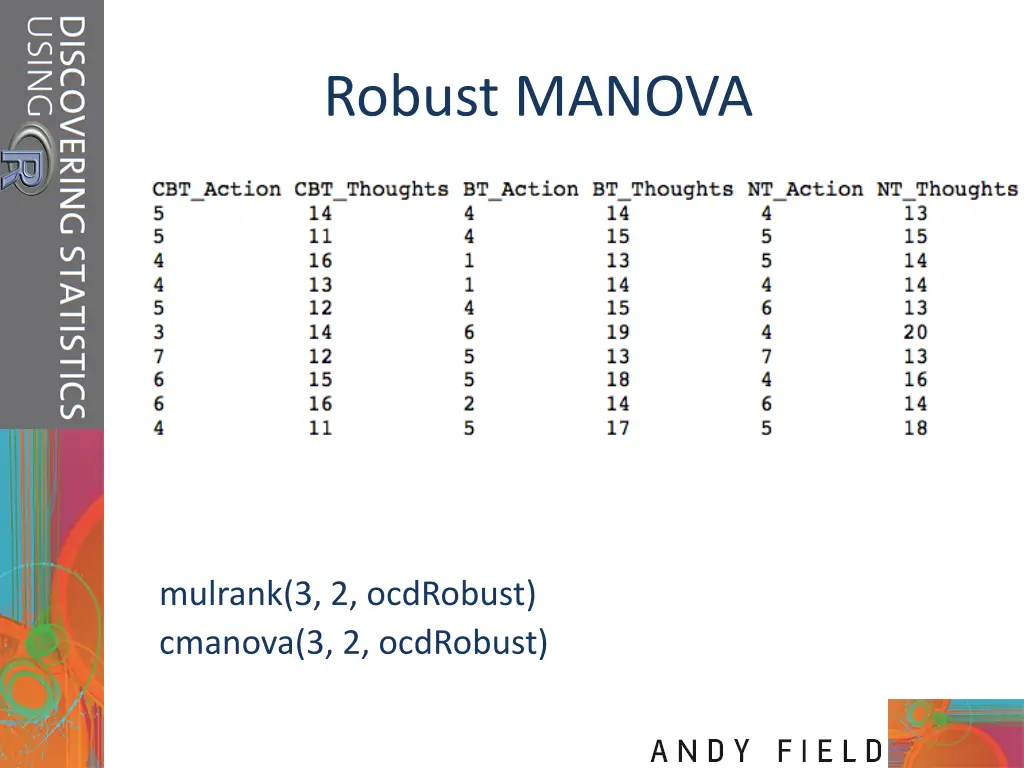
Theory: An Example Efficacy of psychotherapy on OCD Three groups: cognitive behaviour therapy (CBT) behaviour therapy (BT) no treatment (NT) Two outcome variables (DVs): obsession-related actions obsession-related thoughts Slide 5
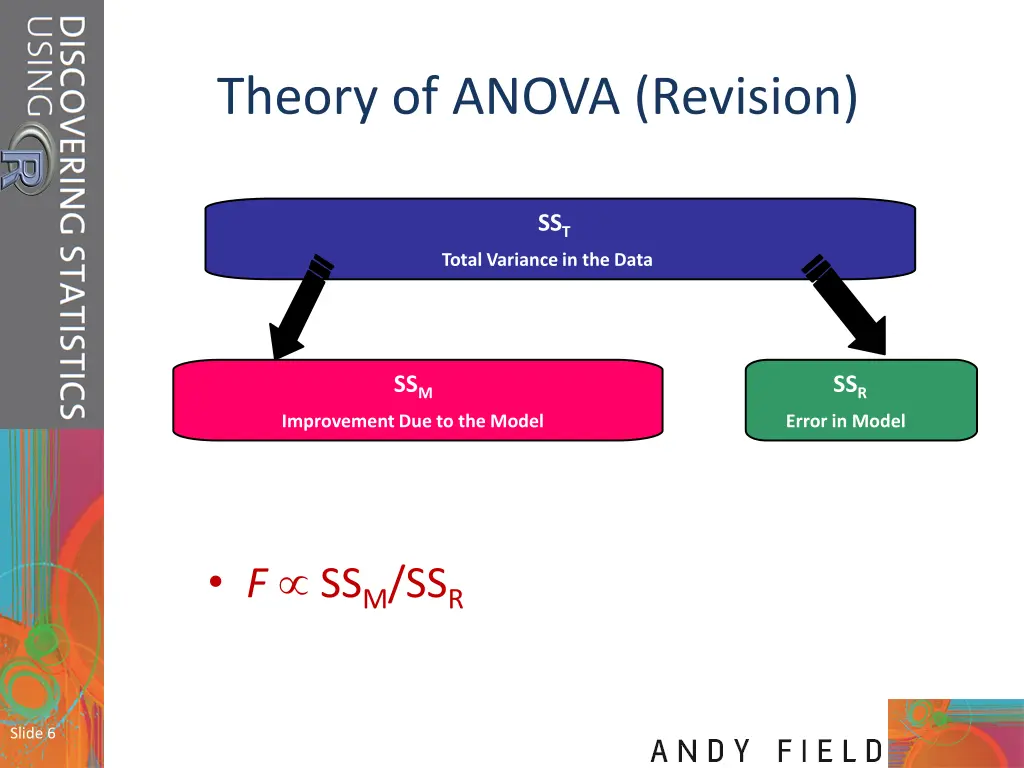
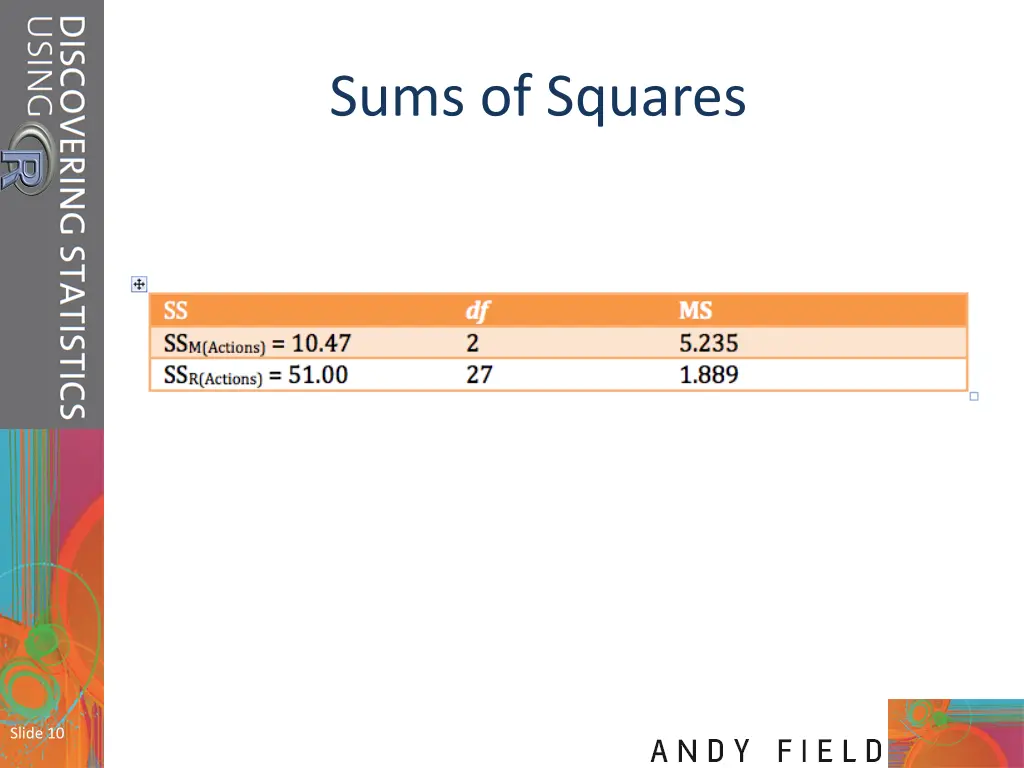
Theory of ANOVA (Revision) SST Total Variance in the Data SSM SSR Improvement Due to the Model Error in Model F SSM/SSR Slide 6
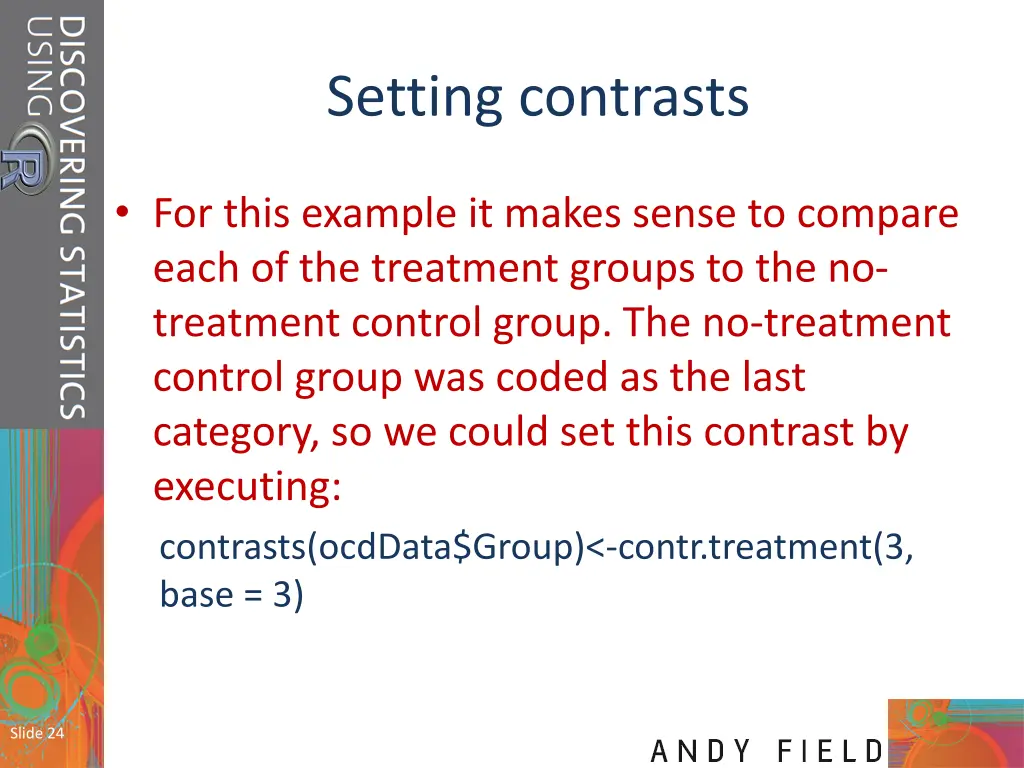
Setting contrasts For this example it makes sense to compare each of the treatment groups to the no- treatment control group. The no-treatment control group was coded as the last category, so we could set this contrast by executing: contrasts(ocdData$Group)<-contr.treatment(3, base = 3) Slide 24
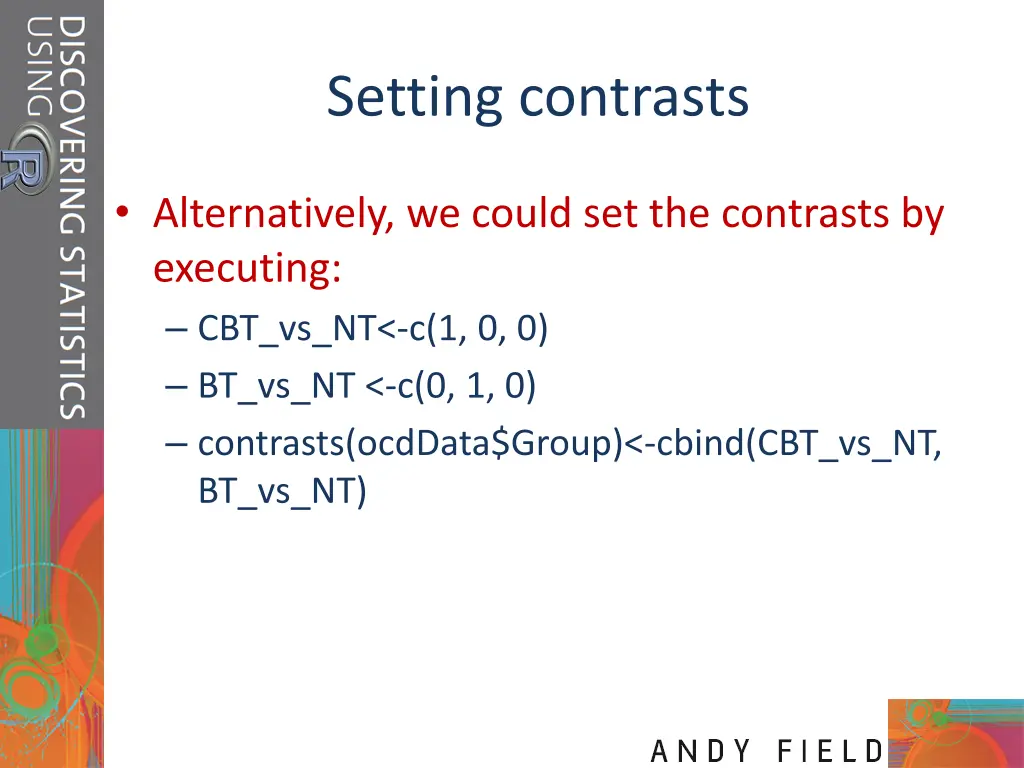
Setting contrasts Alternatively, we could set the contrasts by executing: CBT_vs_NT<-c(1, 0, 0) BT_vs_NT <-c(0, 1, 0) contrasts(ocdData$Group)<-cbind(CBT_vs_NT, BT_vs_NT)
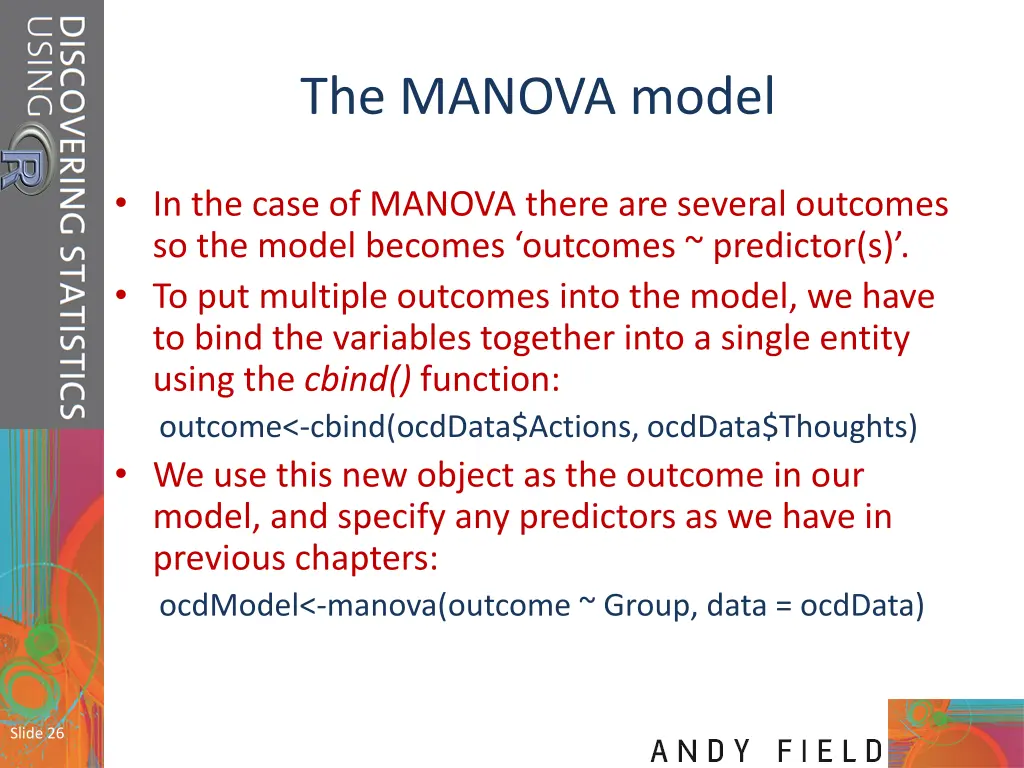
The MANOVA model In the case of MANOVA there are several outcomes so the model becomes outcomes ~ predictor(s) . To put multiple outcomes into the model, we have to bind the variables together into a single entity using the cbind() function: outcome<-cbind(ocdData$Actions, ocdData$Thoughts) We use this new object as the outcome in our model, and specify any predictors as we have in previous chapters: ocdModel<-manova(outcome ~ Group, data = ocdData) Slide 26
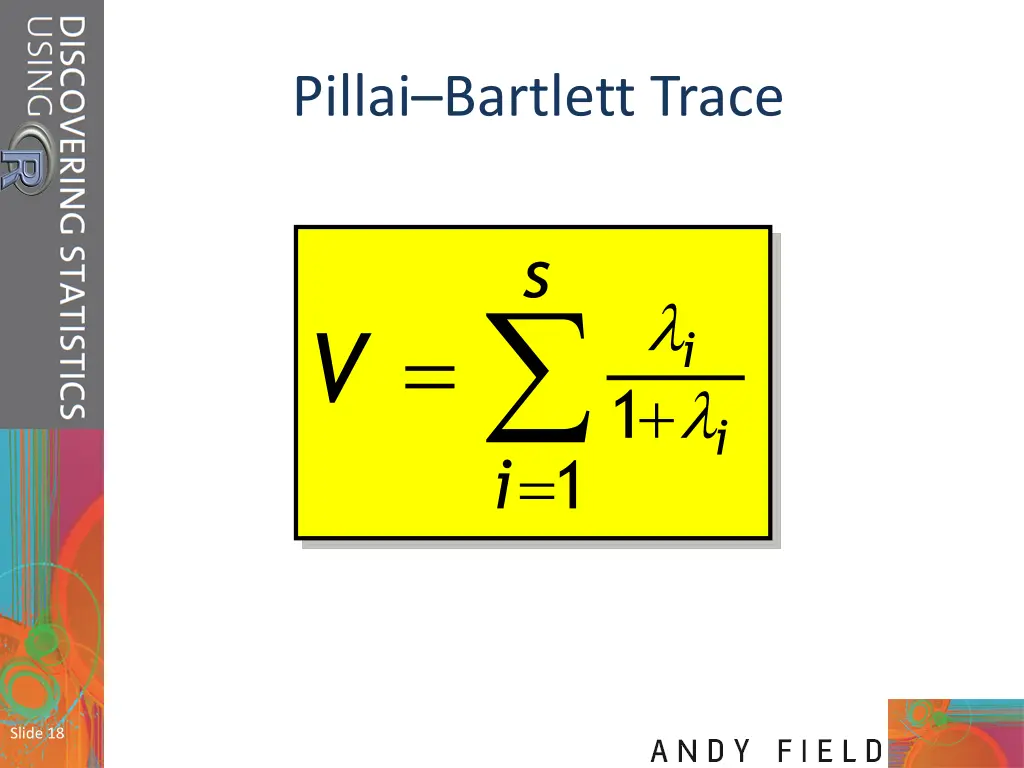
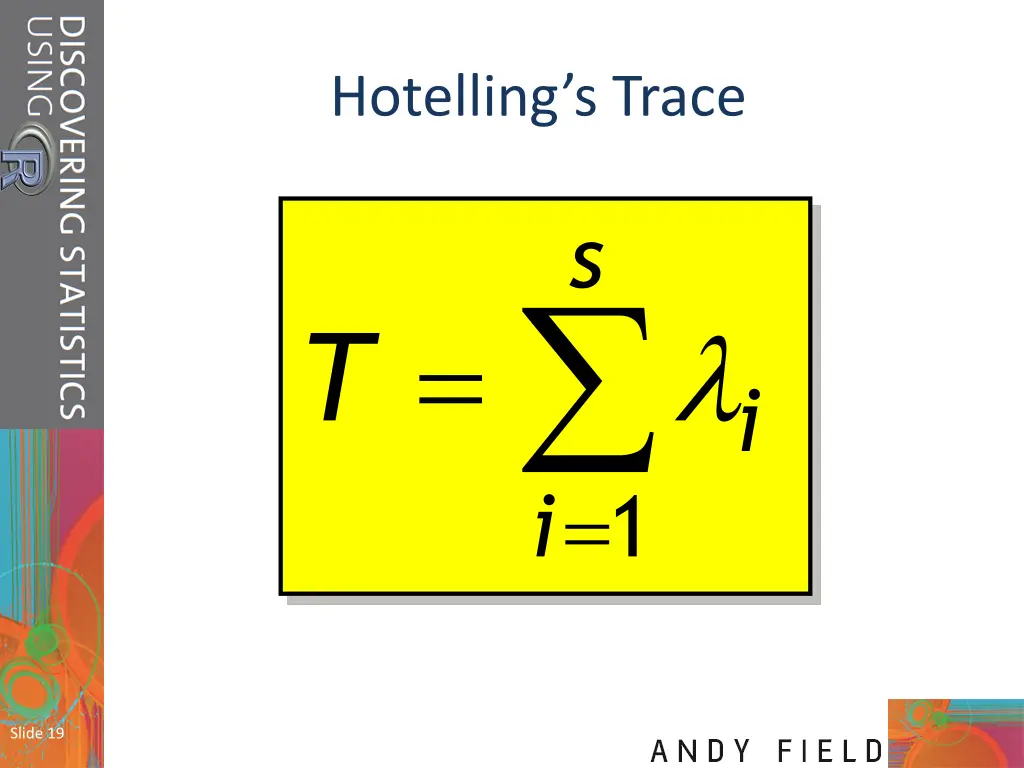
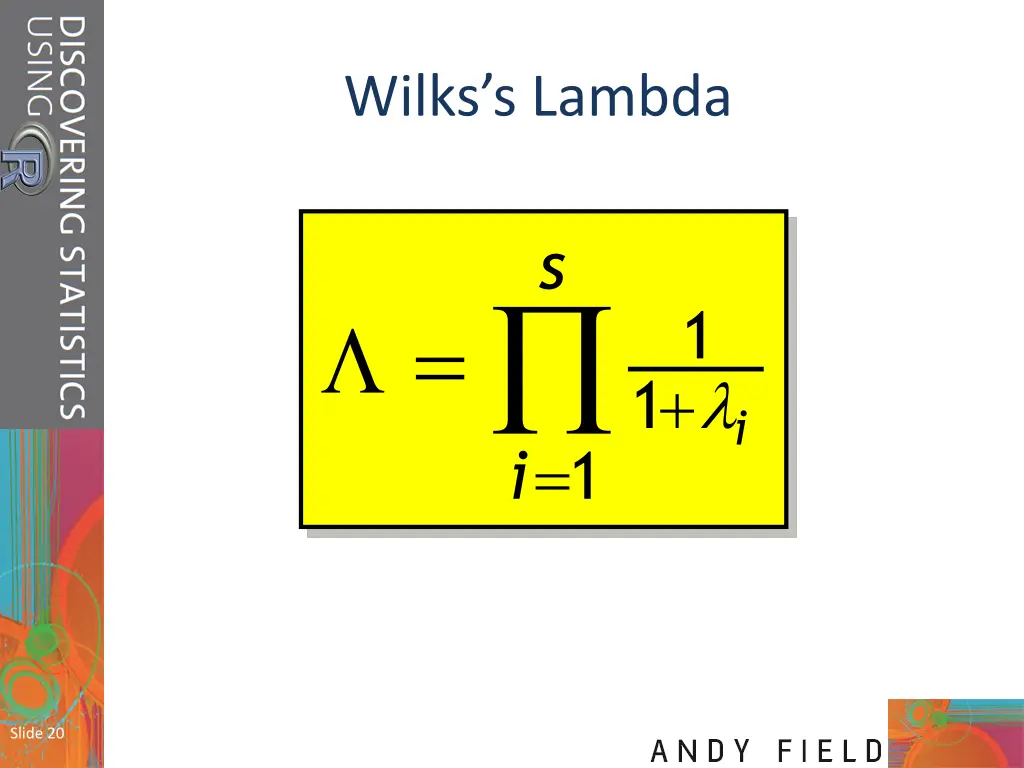
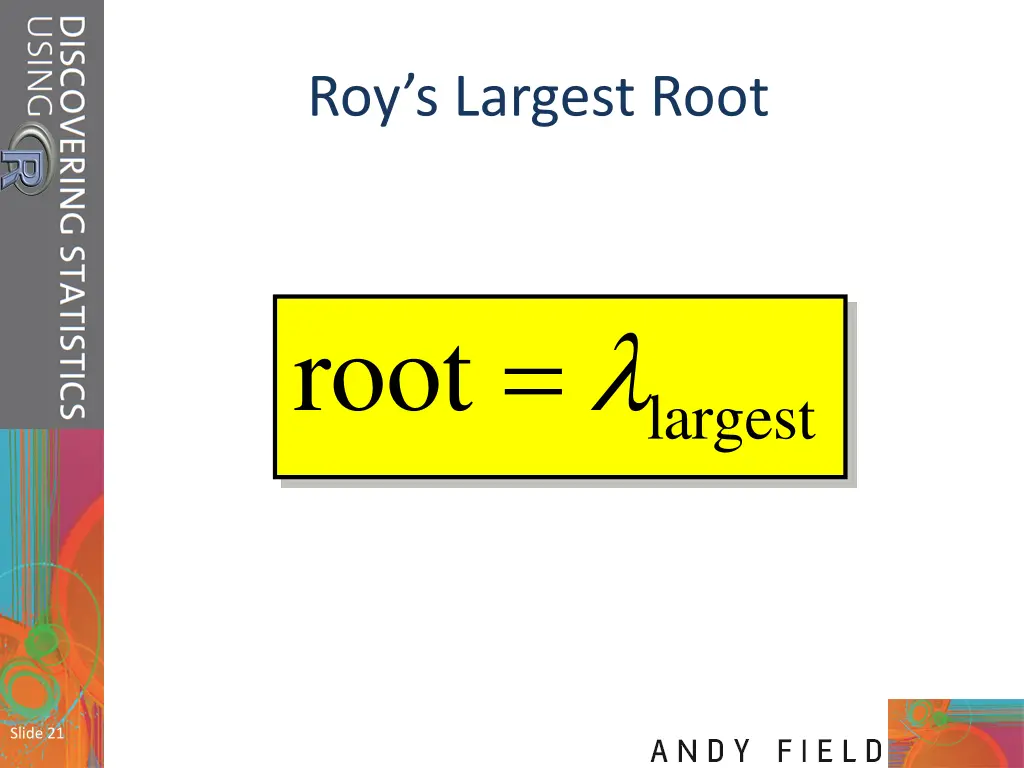
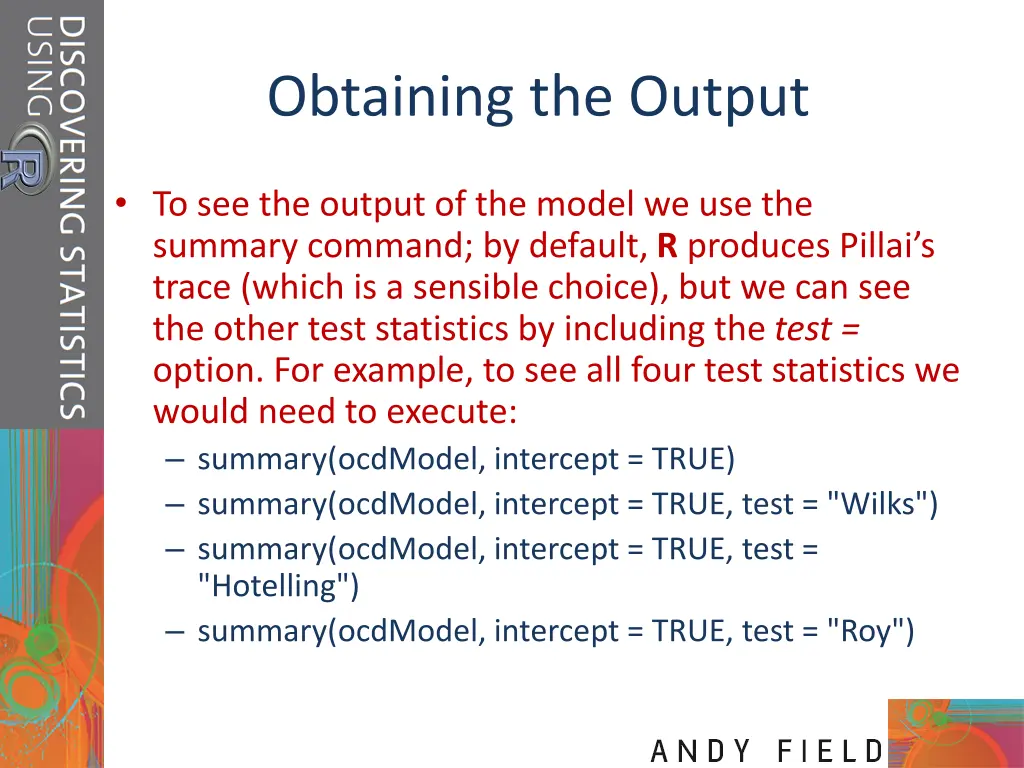
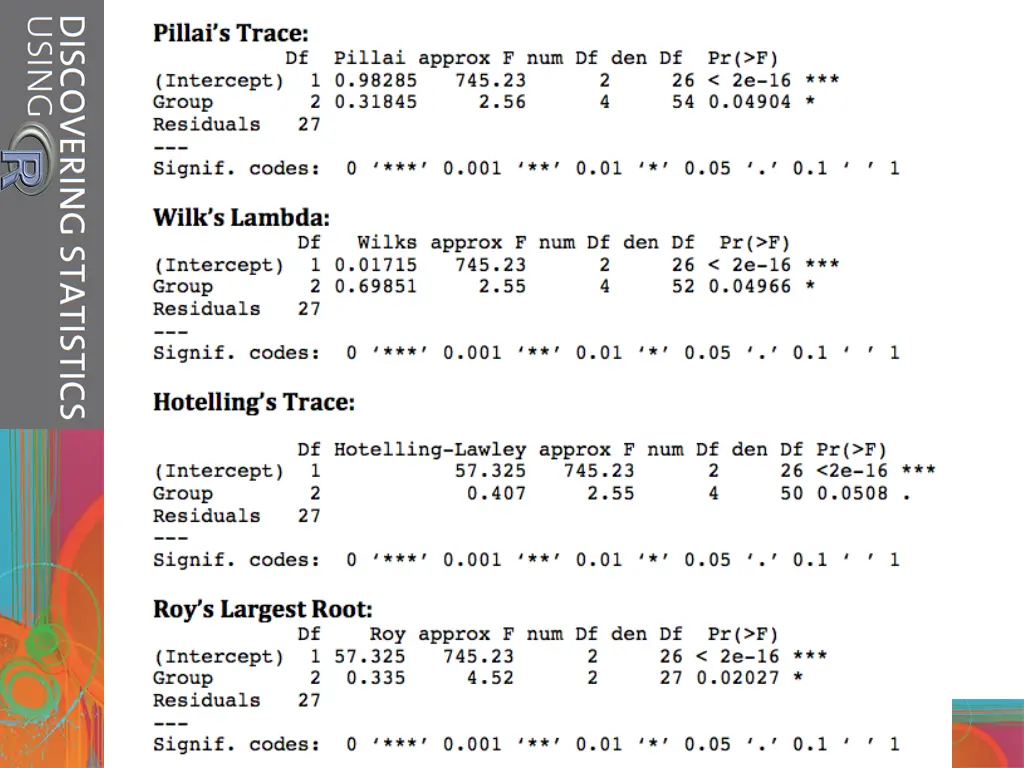
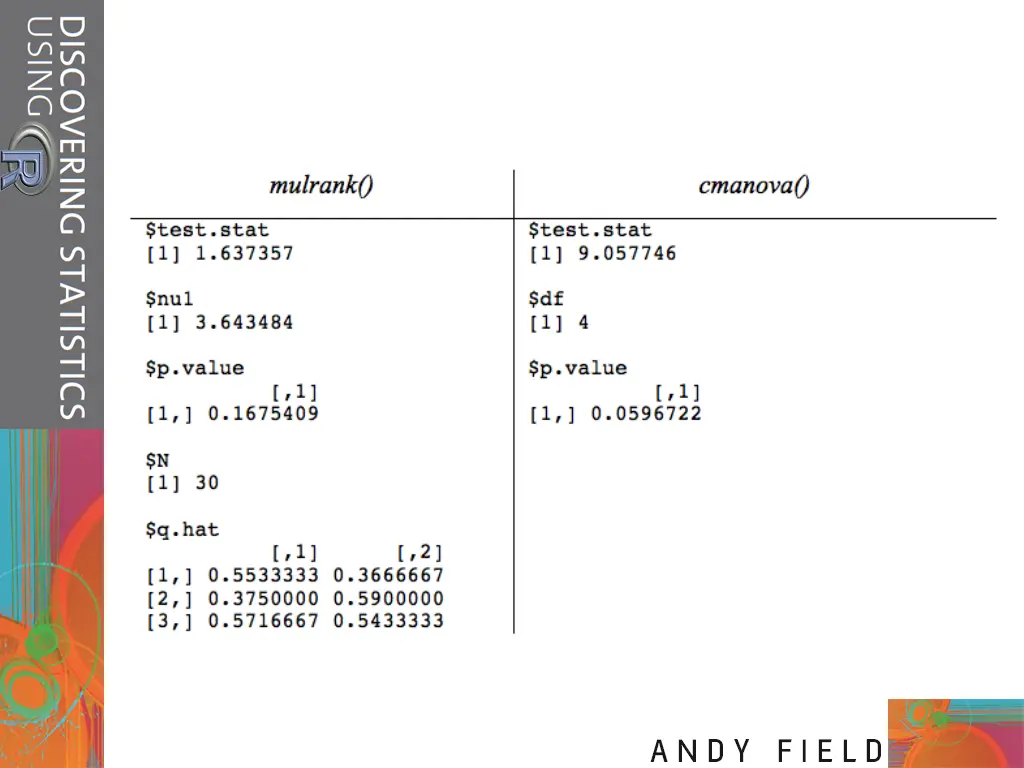
Obtaining the Output To see the output of the model we use the summary command; by default, R produces Pillai s trace (which is a sensible choice), but we can see the other test statistics by including the test = option. For example, to see all four test statistics we would need to execute: summary(ocdModel, intercept = TRUE) summary(ocdModel, intercept = TRUE, test = "Wilks") summary(ocdModel, intercept = TRUE, test = "Hotelling") summary(ocdModel, intercept = TRUE, test = "Roy")
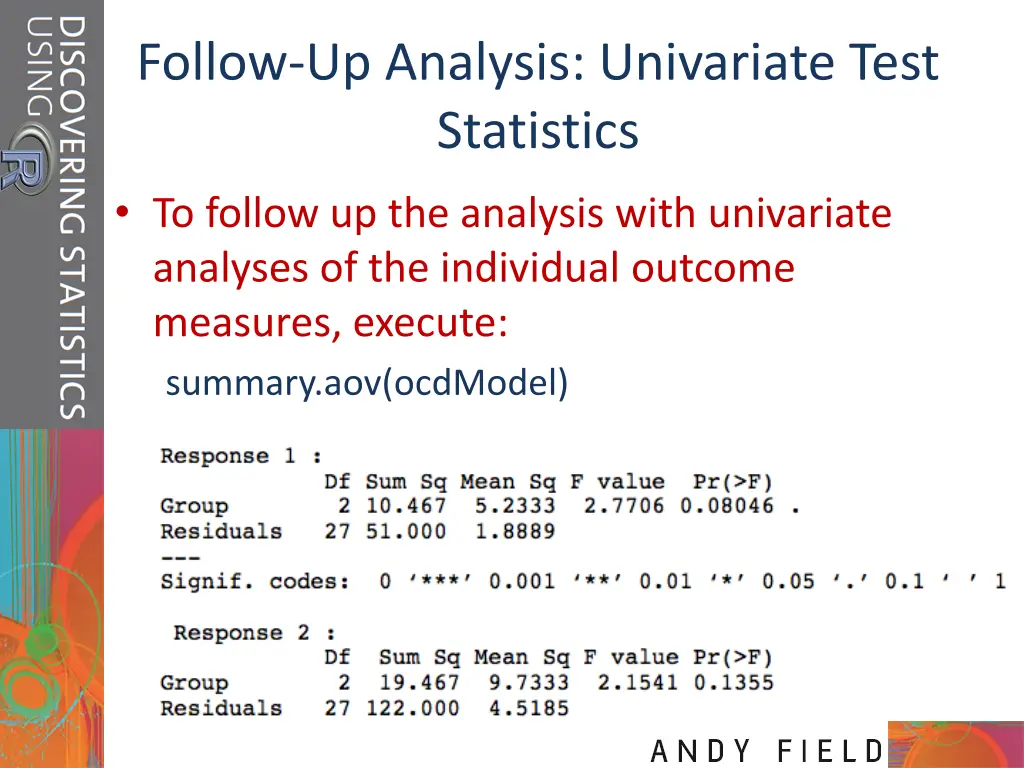
Follow-Up Analysis: Univariate Test Statistics To follow up the analysis with univariate analyses of the individual outcome measures, execute: summary.aov(ocdModel)
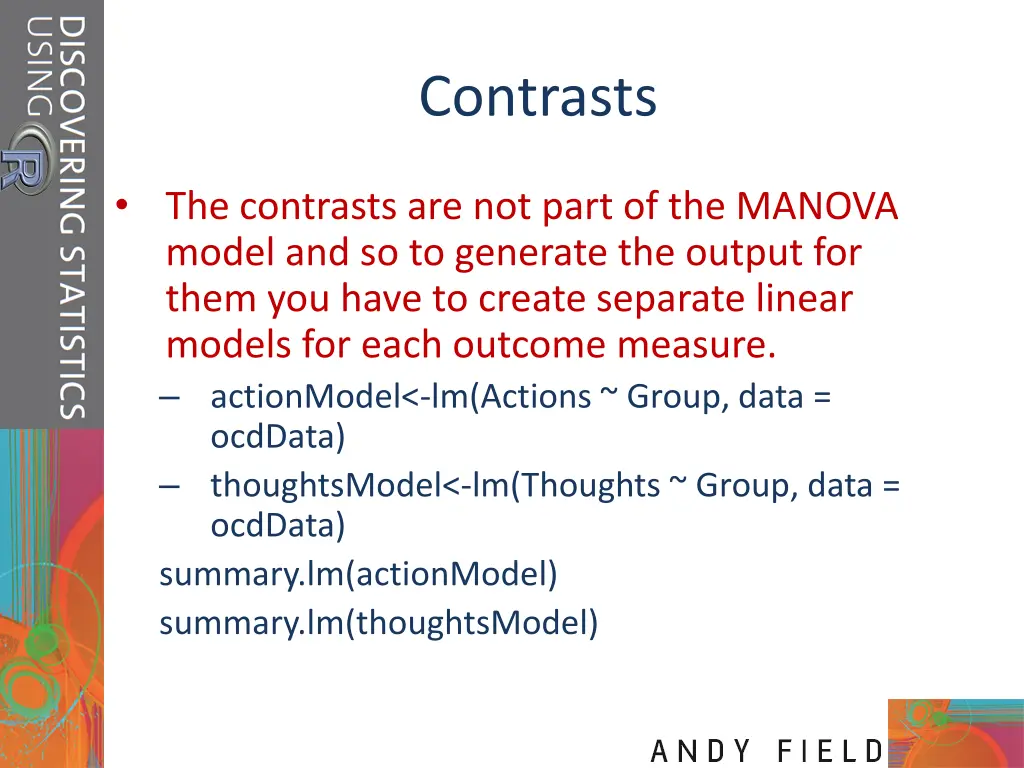
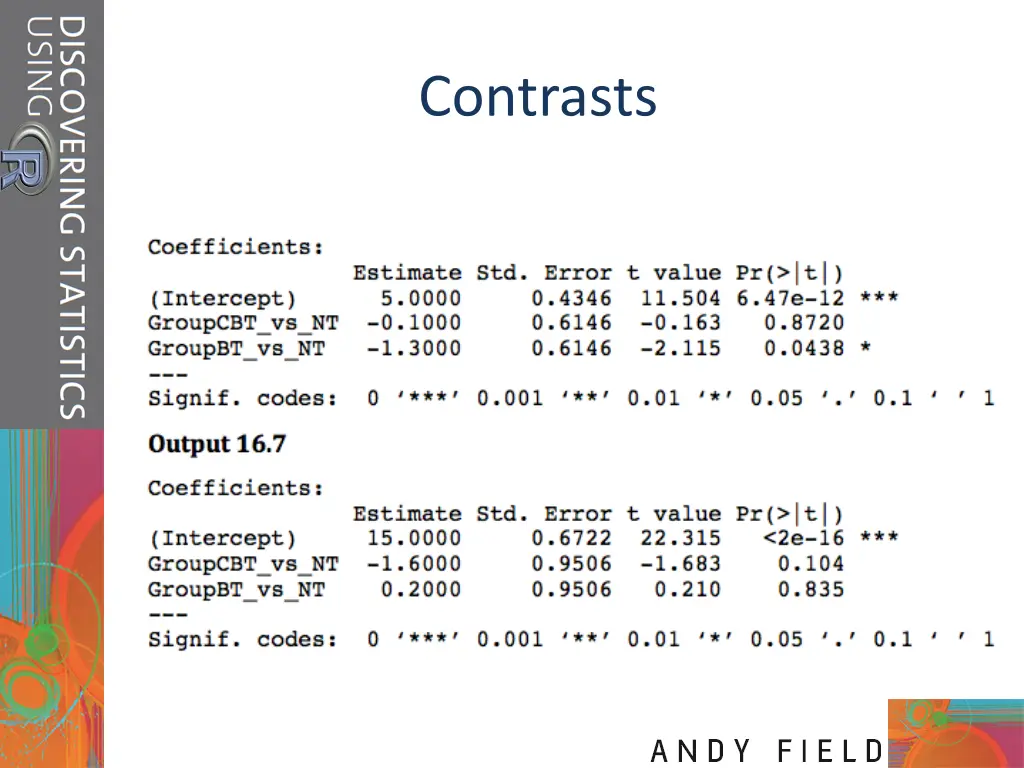
Contrasts The contrasts are not part of the MANOVA model and so to generate the output for them you have to create separate linear models for each outcome measure. actionModel<-lm(Actions ~ Group, data = ocdData) thoughtsModel<-lm(Thoughts ~ Group, data = ocdData) summary.lm(actionModel) summary.lm(thoughtsModel)
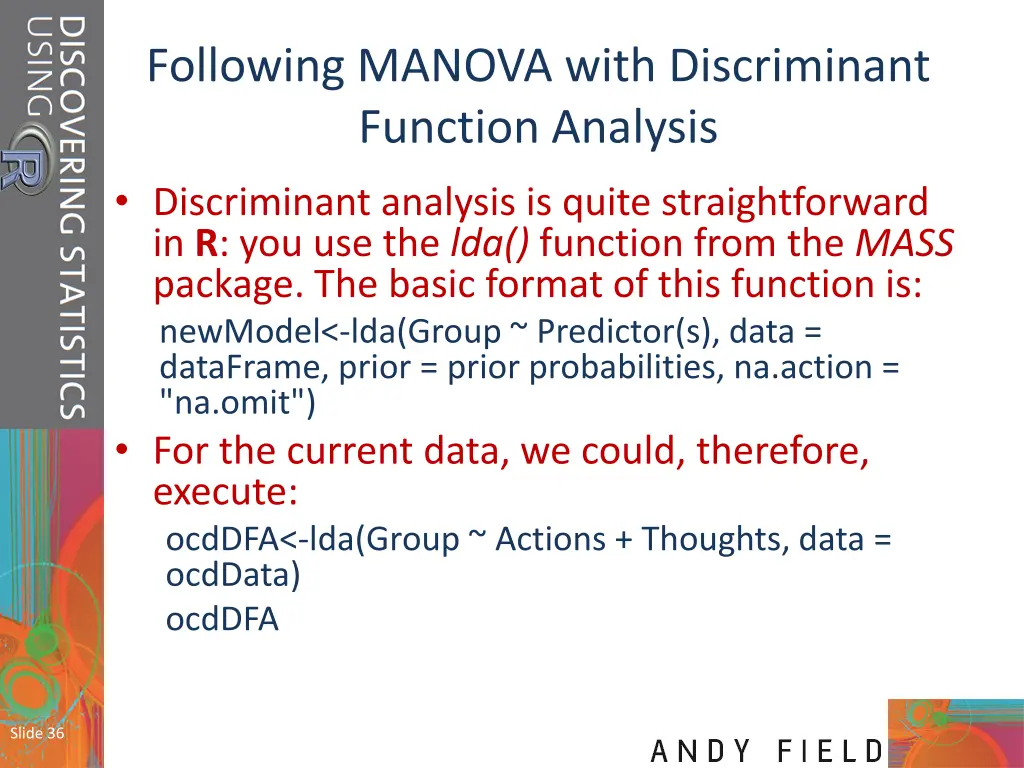
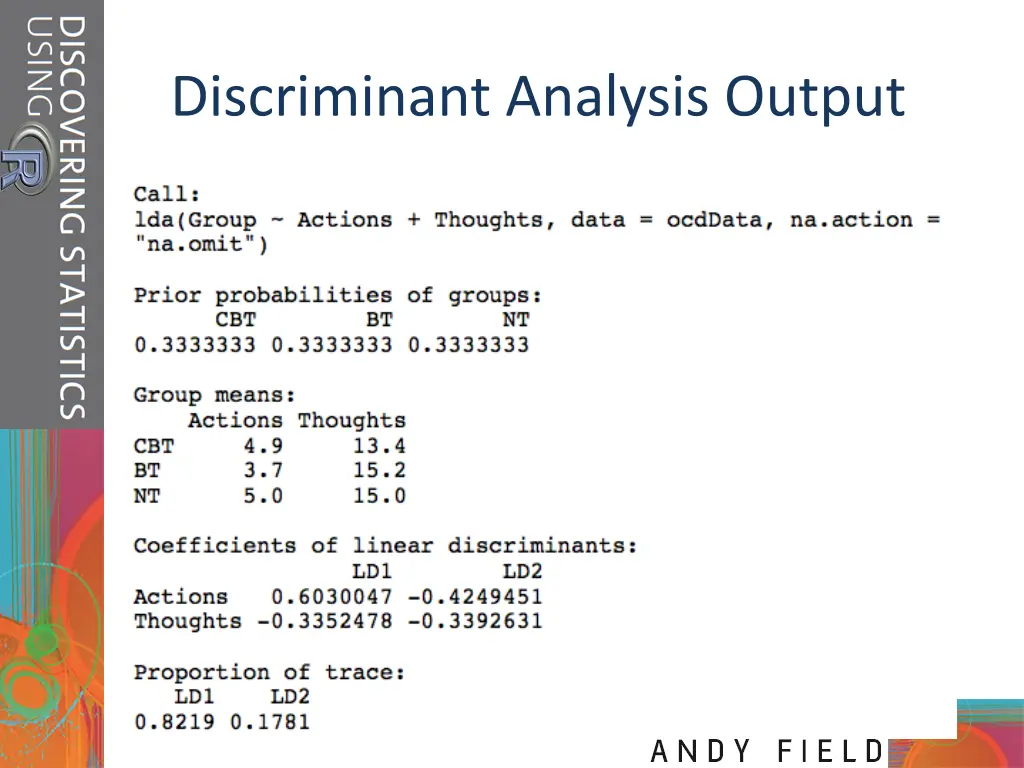
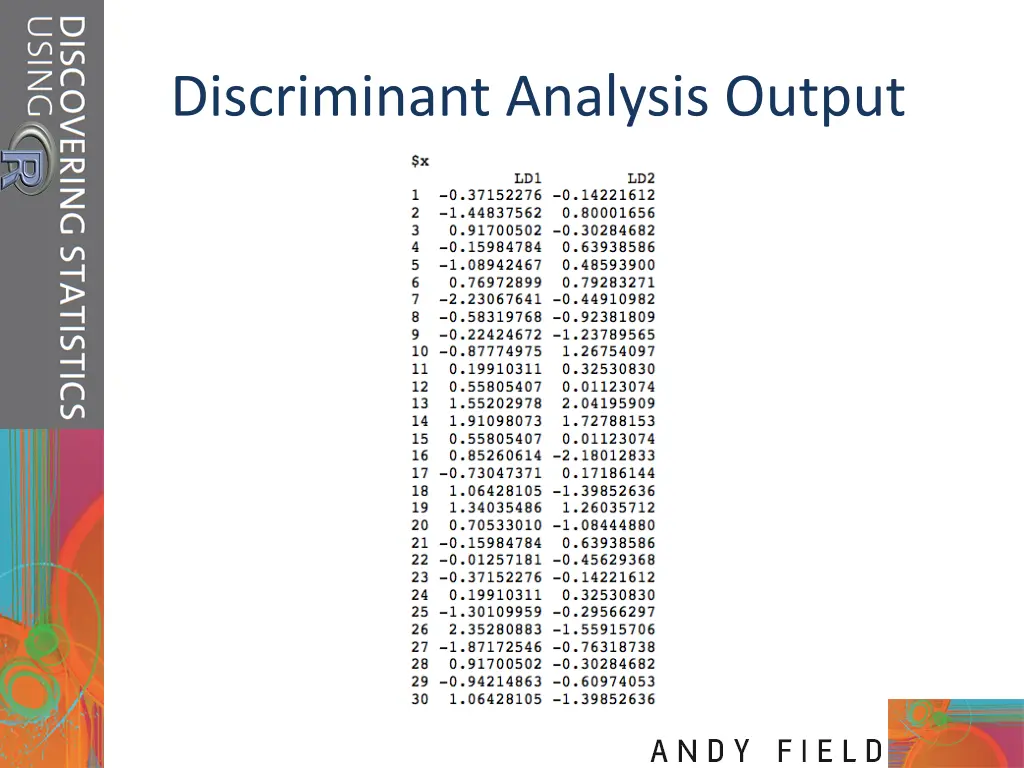
Following MANOVA with Discriminant Function Analysis Discriminant analysis is quite straightforward in R: you use the lda() function from the MASS package. The basic format of this function is: newModel<-lda(Group ~ Predictor(s), data = dataFrame, prior = prior probabilities, na.action = "na.omit") For the current data, we could, therefore, execute: ocdDFA<-lda(Group ~ Actions + Thoughts, data = ocdData) ocdDFA Slide 36
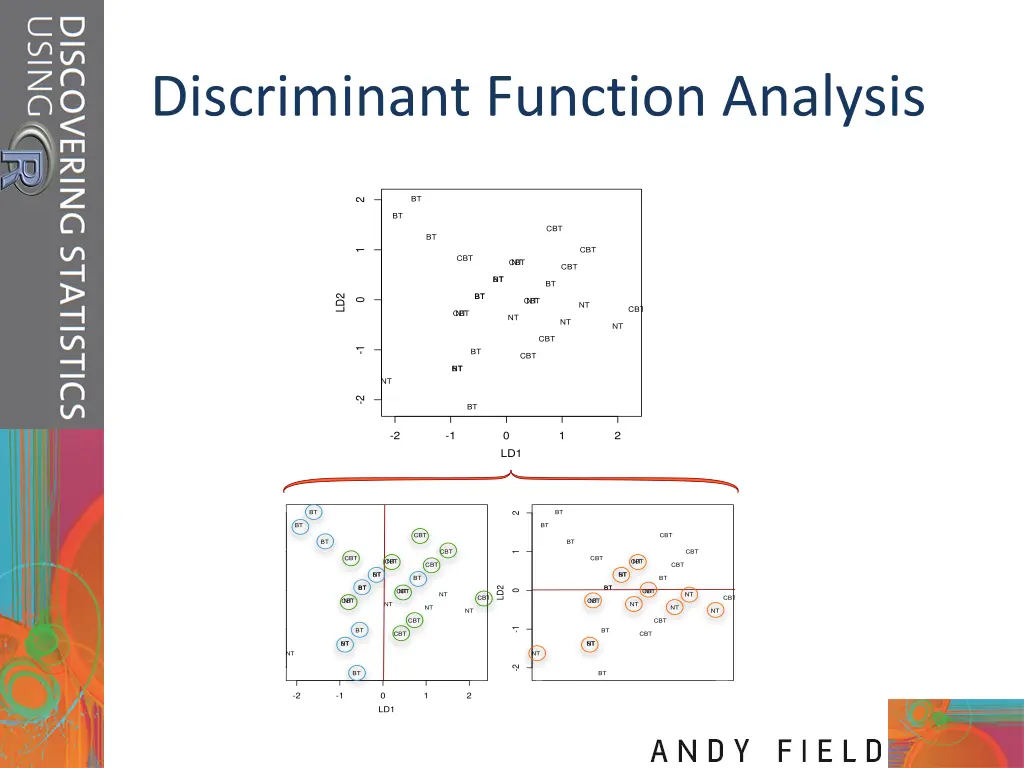
Discriminant Function Analysis BT 2 BT CBT BT CBT 1 CBT CBT NT CBT BT NT BT BT BT LD2 CBT NT 0 NT CBT CBT NT NT NT NT CBT -1 BT CBT BT NT NT -2 BT -2 -1 0 LD1 1 2 BT BT 2 2 BT BT CBT CBT BT BT CBT CBT 1 1 CBT CBT CBT NT CBT NT CBT CBT BT NT BT NT BT BT BT BT BT BT LD2 LD2 CBT NT CBT NT 0 0 NT NT CBT CBT CBT NT CBT NT NT NT NT NT NT NT CBT CBT -1 -1 BT BT CBT CBT BT NT BT NT NT NT -2 -2 BT BT -2 -1 0 LD1 1 2 -2 -1 0 LD1 1 2